Linux for newbs (mirror)
NOTICE: this is a mirror of my toyhouse post about the topic, find it here.
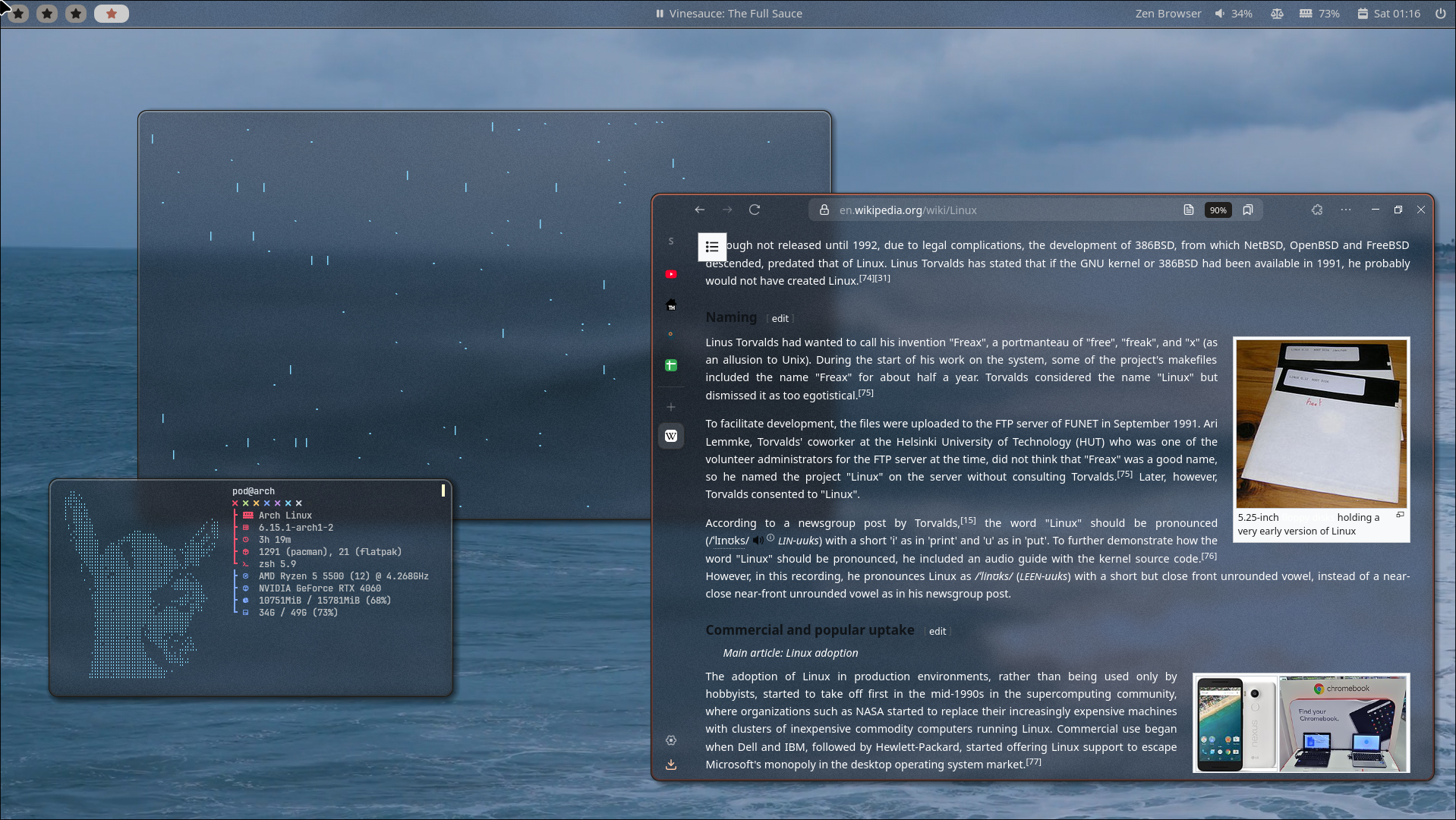
HELLOOOO TOYHOUSE, here's a little guide I scrambled up for everyone sick of Windows and wanting to switch to Linux. Make sure to check the TABS. I have been using Linux for a bit now and autism struck hard with it. I even deleted windows, eh? I am personally using Arch linux :3
Why switch to Linux?
There are many reasons to switch to Linux. The main reasons that may concern you, my fellow toyhouse users, is the far better ability to easily customise the look and feel of your system. Other reasons of course include better security, no ads, way better performance and free + open-source software for pretty much everything.
Why NOT switch to Linux?
If you play games with kernel-level anti-cheat (please check your games) or if you are dependent on Adobe products, then you should not fully switch to Linux. You should instead dual-boot or set up a virtual machine of Windows after installing Linux.
Getting started
- Get a USB stick. You should have at least one 8 gb or higher USB stick.
- Pick your distro (see tabs on the left)
- Pick a desktop environment or window manager (see tabs on the left) Desktop environments are basically just the user interface on top of your distro, and usually most distros can have most DEs. Window managers are specialised in arranging open windows in a productive way.
- Go onto the distro's official website and find a suitable ISO file, (will usually be titled "ISO file" or just "installer" if your distro has just one installer). Usually installers are netinstall, aka they need internet. Non-netinstall installers will be much larger in size.
- Download Rufus or Balena Etcher
- Plug in your USB, open the previously downloaded program and flash the ISO file onto the USB. This will be very clear when using the program.
- If dual-booting, partition your disk beforehand. Basically just open windows disk manager or whatever the equivalent on mac is, and then shrink the largest partition you see. The amount shrunk will later be occupied by linux.
- Backup any important files you have. IF you are replacing Windows or another OS, YOUR ENTIRE DISK WILL BE ERASED. If you don't want to make a backup, then keep your previous operating system like Windows on your disk via dual-booting, but even then, a backup is recommended.
- If a newbie, please watch a video tutorial detailing the installation steps for your distro!! This will make sure that you receive all necessary info before installation.
- Plug in your previously flashed USB and reboot into bios. Often you do this by spamming f 12, f 2, f 9 or del.
- In bios, disable secure boot and in boot options boot using the USB. Re-enable secure boot after installation is completed if you dual-boot with Windows.
- Plug ethernet into your computer. If you don't have ethernet, you can also try enabling mobile hotspot on your phone and share it via USB...
- Follow your installers instructions. If dual-booting, select to install linux onto the largest bit o' empty space on your disk.
- Done! :P Now boot into linux and ensure that you have all your necessary drivers installed. Good examples of necessary drivers are the drivers to your WiFi card or whatever else you use to get WiFi on your pc, as well as the proprietary or open-source NVIDIA drivers if you have an NVIDIA GPU. Proprietary is usually better in NVIDIA's case...
If you decide to dual-boot, you should install as normal but just pick a smaller space to install Linux onto. This will basically just install Linux along side Windows, plus pretty much all Linux distros will also install a bootloader, aka a little menu that will let you pick which OS to boot into when turning on your computer. If you are dual-booting, then avoid using Arch as setting up the partitions can be confusing for a newbie. Instead opt for an easier Arch-based distro with an installer.
Check out the tabs on the left for extra info, or ask me in the comments if you have anything specific to ask!
Distros
To use Linux, you must pick a distribution, aka distro. There are many distros for many different users, so I suggest you do some deeper research on this. You can always hop between distros if you end up not liking the one you choose!
If you wanna skip the following section: personally I suggest arch-based distros, but do pick whatever you prefer. CachyOS is great for new users that are worried about accidentally erasing their hard drive, because the installer shows precisely how your partitions will be installed. Though I've had trouble with it not installing based on the desktop environment picked, so I suggest just selecting KDE Plasma and installing another DE if you want later. It in general has a very simple installer while giving the benefits of arch and aur (user-submitted packages). EndeavorOS is also good, but may be a bit "bloated" and my buddy at least got some graphical errors though also he has an old ass puter.
I myself use arch on my thinkpad (used for websurfing, coding and school work) and CachyOS on my desktop (used for gaming) since it has a lot of gamer-oriented optimisations.
- Debian ("ol' reliable")
- Arch ("I use arch btw")
- Fedora
- Gentoo
- Void
- NixOS
- OpenSUSE
- Slackware
- EndeavourOS
- CachyOS
- Manjaro
- Furreto (furry linux furry linux furry li)
- SteamOS (new, unreleased still i think?)
- Ubuntu
- Linux Mint (based on Ubuntu)
- Kali
- SteamOS (old)
One difference between distros is their release model. Some are stable and release updates maybe twice a year, and others are rolling, aka update as often as possible. Stable distros are usually easy and work as expected, but can have outdated packages and drivers. For example, if you pick debian, you may experience many graphical errors in games because of the outdated NVIDIA drivers (speaking from experience). Rolling release distros like arch and arch-based distros are the best choice for gamers and people who depend on recent packages and drivers.
Often distros are also aimed at different types of users and have a different feeling to them. Some are distros that "just work" (like Linux Mint) which are great for beginners, while others give the user more control. Some also have more specific purposes, like Kali and Parrot which are meant for hacking and cybersecurity testing. Distros like Kali aren't meant to be used as a day-to-day OS.
Some distros are just otherwise kind of meh. Many don't like Ubuntu or Manjaro because of poor actions by the devs or company behind them.
Desktops
Probably just google images of these. You can have multiple at once, and you can just pick which one to log in to on the login screen. Personally I use hyprland.
- Gnome (similar to mac)
- KDE plasma (similar to windows)
- XFCE
- MATE
- Cinnamon
- i3
- Hyprland
- Awesome
- Bspwm
Window managers are usually BARE BONES. For beginners, I recommend downloading a DE and only then your WM of choice.
Package managers
Downloading content aka packages on Linux is done through package managers. Your package manager will depend on your distro, but common ones include apt and pacman.
Example! To download Firefox, run sudo apt install firefox or for example sudo pacman -S firefox.
If you are using an arch-based distro, you will likely have access to user submitted packages, aka aur packages. To download them, first run sudo pacman -S --needed git base-devel && git clone https://aur.archlinux.org/yay.git && cd yay && makepkg -si, and after that you can run yay name-of-your-package, which will show you a list of all aur packages that match your search. After that just pick which all to install!
Sudo?
Sudo means "super user do". It basically means running something as admin. Super user = admin!
Gaming
Steam loves Linux, so pretty much all Steam games can be played on Linux, with the exception of games with kernel-level anti-cheat that will prevent you from playing the game.
Go into steam's settings, then "Compatibility", and in there enable steam play for all titles.
For other games without official Linux releases, either install Wine and run your .exe games through the terminal, or install something like "Bottles" and use it to play games using Wine or steam's Proton, which are both compatibility layers.
RPG maker games can run prettyyyy poorly thru wine or steam's proton, so you might wanna look for alternative methods to run them. There are multiple projects on github that are meant to make them run better.
Troubleshooting
Won't boot past bootloader
Try installing and booting into another distro... Most often if a clean install won't boot, then it's best to just try another distro instead of sinking hours into troubleshooting it.
No WiFi
Check what your WiFi card or adapter is. If you get WiFi using a thingy attached to a usb port, then that's an adapter. The commands lspci, lsusb or lshw should let you find your device. Search up the name of your distro and the name/model of your WiFi device to find the correct drivers. After installing them, restart your computer and see if you have WiFi. If not, chances are that you installed the wrong drivers.
Won't boot into DE or WM
In the terminal, write the start command of your DE or WM. If you are able to get in, then the problem is likely with your display manager. Try downloading a different one and seeing if that helps... Try switching between SDDM and GDM, or try another one.
Games look FUCKED UP
Install the correct drivers for your GPU. If you are using Debian or another stable distribution, then you will likely have to manually find the latest drivers and install them, as the drivers provided by your distro are likely outdated by a year or two...
I erased my entire hard drive!!!
Rest in peace, beloved files... If you erase your hard drive, the erased files will be unrecoverable. It's the hard truth, please be cautious of what you are doing to your machine.
Stupid elitism
Beware, quite a lot of Linux users (mainly newer ones and ones on tiktok and reddit of all places) can be quite elitist. They will either bully people who don't use Linux, or bully people who use a distro that they have deemed "worse" or "too easy". From my experience, many arch users will go around parading about how cool and advanced they are compared to, say, Ubuntu users, when they probably just used archinstall to get the distro on their machine.
Often times these same elitists can be quite elitist in... "Other"... Ways....... So in general it's just best to stay away and spit on em or something.
Seriously, just use whatever distro you want, and don't be afraid to use something like archinstall, because WHO has the time to spend 3 hours installing a new OS anyway? Be friendly among your fellow Linux and computer users.